



Memory Performance: 16GB DDR3-1333 to DDR3-2400 on Ivy Bridge IGP with G.Skill
by Ian Cutress on October 18, 2012 12:00 PM EST- Posted in
- Memory
- G.Skill
- Ivy Bridge
- DDR3
At the lowest end of our testing, we have a 16GB DDR3-1333 9-9-9 kit on hand. When DDR3 was first released, the main speed available was DDR3-800, but enough time has passed that this has phased out and now 1333 MHz is the new ‘minimum’. With the prices of memory as they are, this kit from G.Skill currently retails for $75, meaning that a massive amount of memory is available for all at a reasonable level. To put this into contrast, I remember spending ~$240 on a 2x2 GB Kit of DDR2-800 5-5-5 about 5-6 years ago – we can now get four times the capacity for less than a third of the price.
DDR3-1333 sits at the bottom end, but within months we can imagine DDR3-1600 taking that spot – as we will see with the next kit, for $5 more we get a faster product.
Visual Inspection
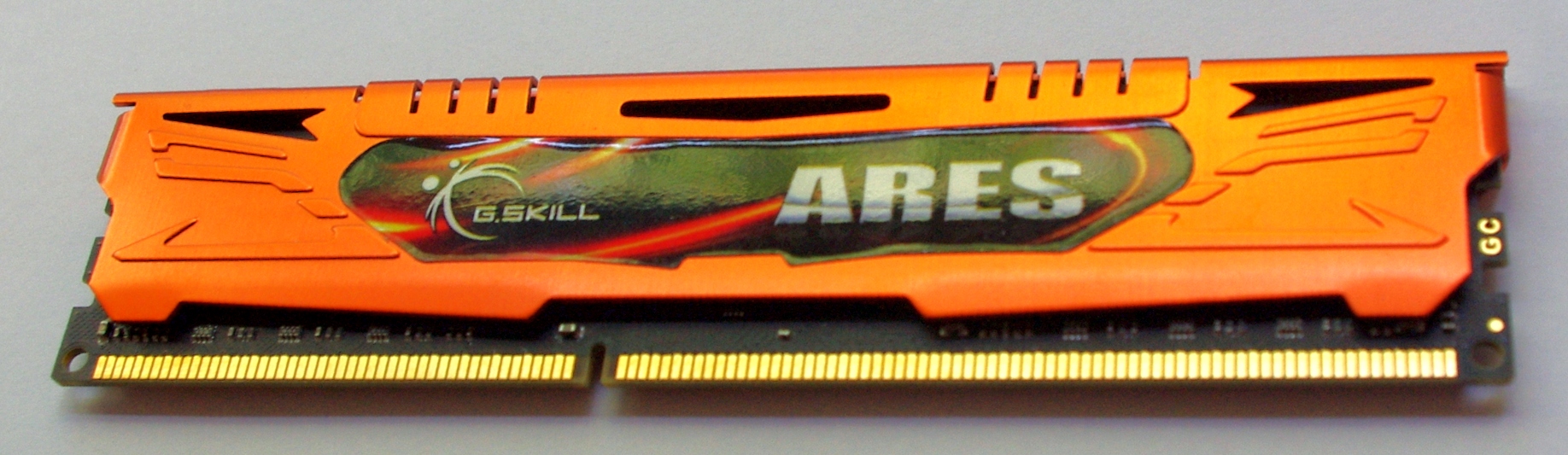
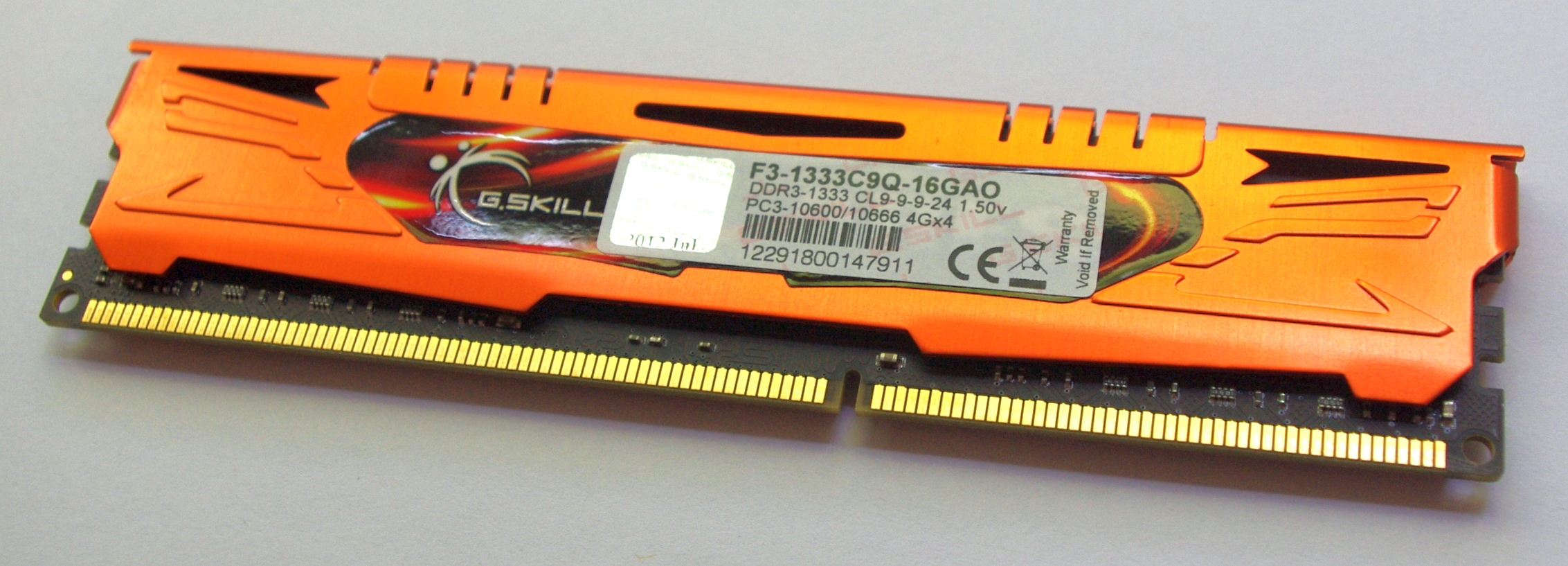
Our first kit features G.Skill’s Ares branding – the Ares kits that G.Skill sell are essentially meant to be the lower profile but colored heatsinks. These heatsinks in all honesty may not be entirely necessary for cooling, but they are firmly bonded to the memory modules and removing them would be a large task and more than likely damage the module. I have seen horror stories of chips being removed along with the heatsink, making the memory unusable. As a result we cannot directly observe which ICs are being used in our kits for this review. A quick word in the ear of G.Skill and they will not tell us the information, under the guise that it is classified and if the competition wants to know what G.Skill are using, they will have to buy a kit and break it themselves. Given how small the margins are in memory sales (as well as potential market stagnation after the credit crisis), I’m not surprised with the level of secrecy.
Anyway, back to the kit:
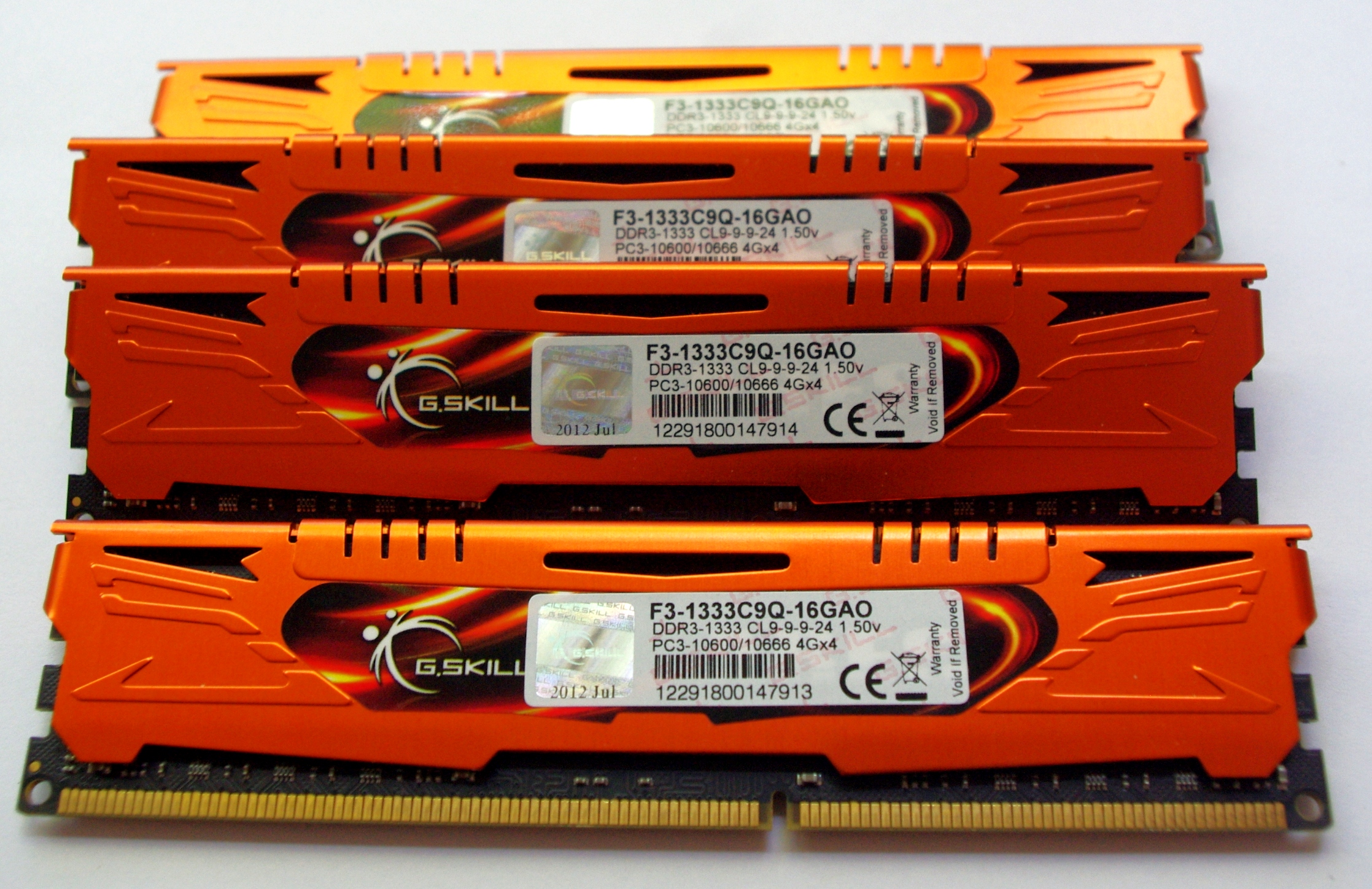
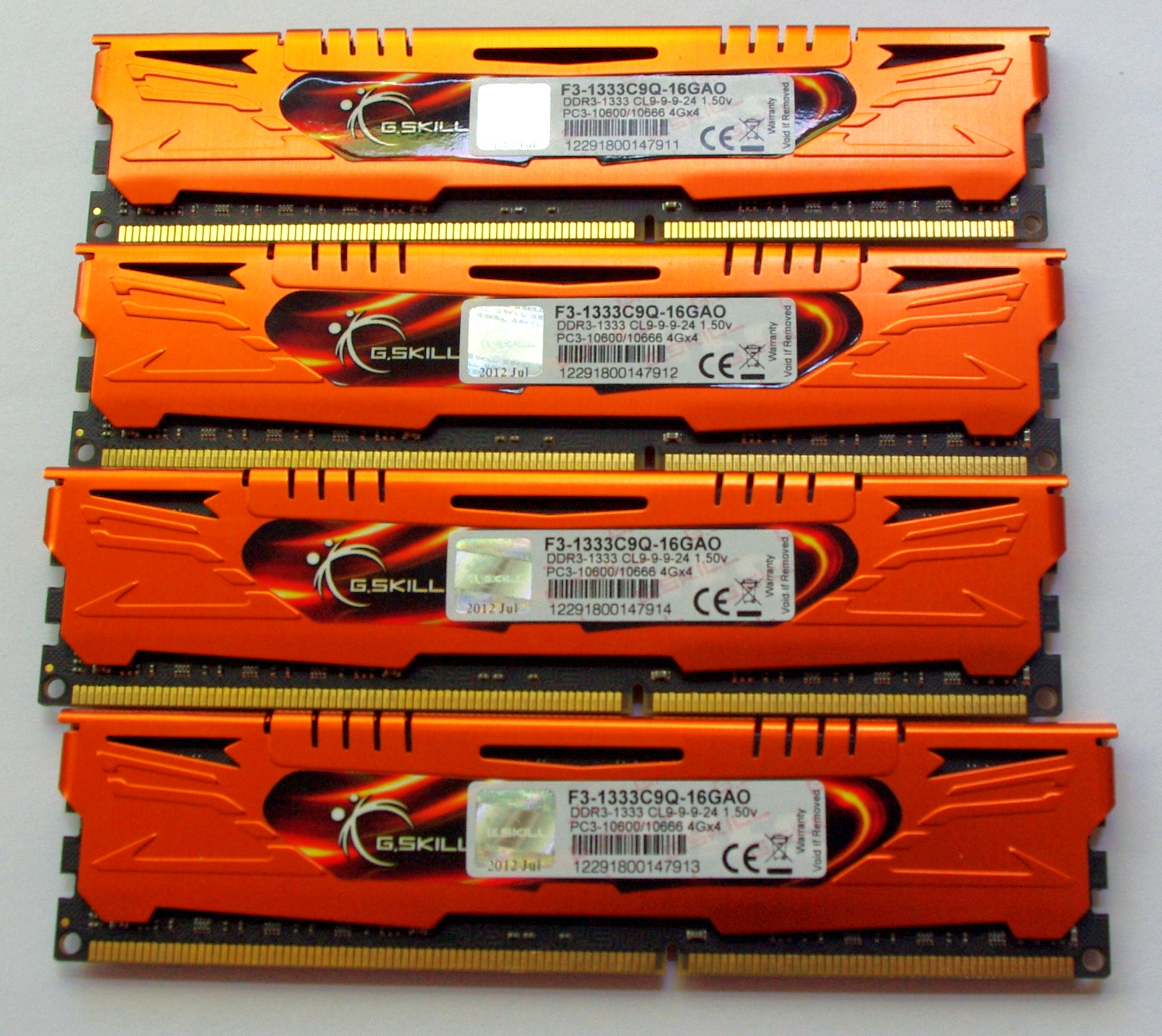

The standard packaging at G.Skill is a rather efficient plastic container holding each of the modules. The packaging is easy enough to open, though I also found it fairly brittle, meaning small shards could break off and be easily lodged in feet. Inside the box itself is a piece of card to advertise the kit and protect the modules from each other. We also get a small G.Skill sticker for the computer case.


JEDEC + XMP Settings
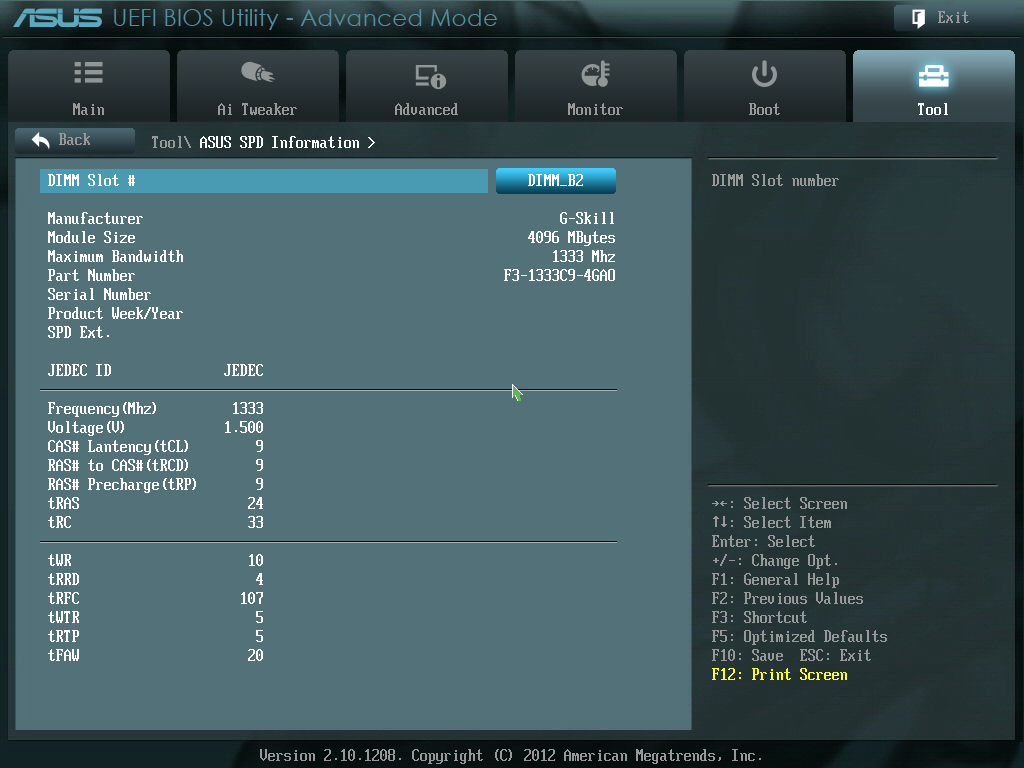
| G.Skill | |||||
| Kit Speed | 1333 | 1600 | 1866 | 2133 | 2400 |
| Subtimings | 9-9-9-24 2T | 9-9-9-24 2T | 9-10-9-28 2T | 9-11-10-28 2T | 10-12-12-31 2T |
| Price | $75 | $80 | $95 | $130 | $145 |
| XMP | No | Yes | Yes | Yes | Yes |
| Size | 4 x 4 GB | 4 x 4 GB | 4 x 4 GB | 4 x 4 GB | 4 x 4 GB |
|
|
|||||
| MHz | 1333 | 1600 | 1867 | 2134 | 2401 |
| Voltage | 1.500 | 1.500 | 1.500 | 1.650 | 1.650 |
| tCL | 9 | 9 | 9 | 9 | 10 |
| tRCD | 9 | 9 | 10 | 11 | 12 |
| tRP | 9 | 9 | 9 | 10 | 12 |
| tRAS | 24 | 24 | 28 | 28 | 31 |
| tRC | 33 | 33 | 37 | 38 | 43 |
| tWR | 10 | 12 | 14 | 16 | 16 |
| tRRD | 4 | 5 | 5 | 6 | 7/6 |
| tRFC | 107 | 128 | 150 | 171 | 313 |
| tWTR | 5 | 6 | 8/7 | 9/8 | 10/9 |
| tRTP | 5 | 6 | 8/7 | 9/8 | 10/9 |
| tFAW | 20 | 24 | 24 | 25 | 26 |
| tCWL | - | 7 | 7 | 7 | 7 |
| CR | - | 2 | 2 | 2 | 2 |


 Facebook
 Twitter
 RSS
RSS


114 Comments
View All Comments
Mitch101 - Thursday, October 18, 2012 - link
Love this article first time I ever commented on one. I believe you see little improvement past 1600/1866 because the Intel chips on die cache do a good job of keeping the CPU fed. Meaning the bottleneck on an Intel chip is the CPU itself not the memory or cache.Can you do this with an AMD chip also as I believe we would see a bigger improvement with their chips because the on die cache cant keep up with the chip and faster external memory would give bigger performance jumps for AMD chips. Well maybe 2 generations ago AMD but lets see your pockets are deeper than mine.
Hope I said that right I'm a little droopy eyed from lack of caffeine.
Jjoshua2 - Thursday, October 18, 2012 - link
Just bought RipjawsZ from Newegg for $90 after coupon! I feel vindicated in my choice now :)ludikraut - Thursday, October 18, 2012 - link
I thought the performance difference would be less than it was. Has me rethinking whether I need to update my old OCZ DDR3-1333 chips. I haven't yet, as I'm probably giving away 5-10% performance in my OC alone. I targeted efficiency, not absolute speed - at 4GHz my i7-920 D0 consumes 80W less @ idle than the default settings of my mobo - go figure.l8r)
Beenthere - Thursday, October 18, 2012 - link
For typical desktop use with RAM frequencies of 1333 MHz. and higher there is no tangible gains in SYSTEM performance to justify paying a premium for higher RAM frequency, increased capacity above 4 GB. or lower latencies - with APUs being the minor exception.In real apps, not synthetic benches, there is simply nothing of significance to be gained in system performance above 1333 MHz. as DDR3 running at 1333 MHz. is not a system bottleneck. Synthetic benches exaggerate any real gains so they are quite misleading and should be ignored.
tynopik - Thursday, October 18, 2012 - link
WinRAR is a 'real' appsilverblue - Thursday, October 18, 2012 - link
It's okay, he said the same thing on Xbit Labs.VoraciousGorak - Thursday, October 18, 2012 - link
"For typical desktop use with RAM frequencies of 1333 MHz. and higher there is no tangible gains in SYSTEM performance to justify paying a premium for higher RAM frequency, increased capacity above 4 GB. or lower latencies - with APUs being the minor exception."No tangible gains above four gi-... what industries have you worked in? Because my old AdWords PPC company's software benefited from over 4GB, and that's the lightest workload I've had on a computer in a while. For home use, I just bumped my system to 16GB because I kept capping my 8GB, and I do zero video/photo work. If you just do word processing, I'll trade you a nice netbook with a VGA out for whatever you're using now.
DDR3-1333 to 1600 is almost the same price on Newegg, and 1866 isn't much more. Think about it in percentage cost of your computer. Using current Newegg prices for 2x4GB CL9 DDR3, a $1000 computer with 8GB DDR3-1333 will cost $1002 with DDR3-1600, $1011 with DDR3-1866, and $1025 with DDR3-2133. Not exactly a crushing difference.
Olaf van der Spek - Thursday, October 18, 2012 - link
Why isn't XMP enabled by default? The BIOS should know what the CPU supports, shouldn't it?Gigaplex - Thursday, October 18, 2012 - link
What this article glosses over is that G.Skill memory often recommends manually increasing the voltages when enabling XMP profiles. I have the F3-1866C10D-16GAB kit and G.Skill recommends pushing the memory controller voltage out of spec for Ivy Bridge in order to enable XMP. As a result I just run them at 1333 (they don't have 1600 timings in the SPD table and I can't be bothered experimenting to find a stable setting).IanCutress - Friday, October 19, 2012 - link
I did not have to adjust the voltage once on any of these kits. If anything, what you are experiencing is more related to the motherboard manufacturer. Some manufacturers have preferred memory vendors, of which G.Skill may not be one. In that case you either have to use work arounds to make kits work, or wait for a motherboard BIOS update. If you have read any of my X79 or Z77 reviews, you will see that some boards do not like my 2400 C9 kit that I use for testing at XMP without a little voltage boost. But on the ASUS P8Z77-V Premium, all these kits worked fine at XMP, without issue.Ian